

PlayLive login allows you to sign in with your email or username and your password. The same PlayLive profile works on desktop, tablet, and mobile browser.
One profile is allowed per player, so duplicate accounts can create serious login problems.
How to access PlayLive on desktop
Open the PlayLive website in your desktop browser and look for the Login button. Your details must match the account you registered with PlayLive:
- Open the PlayLive website in a desktop browser.
- Click the Login button.
- Enter your registered email address or username.
- Add your password.
- Confirm the login and open your account.
After a successful PlayLive login, you can use the main account areas:
- Profile section
- Balance area
- Betting history
- Account tools
Your password is your responsibility, so keep it private. A South African PlayLive account should not be left saved on a computer or browser that other people can access:
- Work laptops
- Home Wi-Fi devices
- Shared family computers
- Public devices
PlayLive recommends changing your password regularly. Use a password that is not connected to your email, banking access, or other sensitive accounts.
Mobile browser login at PlayLive
PlayLive does not require a separate app for account access. You can open the site through a mobile browser on your phone or tablet. Browser use fits PlayLive in South Africa because the same profile works without extra software.
The PlayLive mobile login flow mirrors desktop access:
- Open PlayLive in your mobile browser.
- Tap the Login button.
- Enter your email or username.
- Add your password.
- Open your account area.
Keep the browser updated and use a stable connection. If PlayLive shows that the device has already been used, do not create another account. Use your existing profile instead. If you cannot get in, contact Live Support through the on-site widget and explain the device issue.
Why PlayLive login can fail
PlayLive may block or suspend login when account activity breaks the platform rules. The most common reason is multi-accounting. One account is allowed per player. Linked accounts can be cancelled, winnings can be voided, and the account can be banned.
PlayLive login can also fail for other account or verification reasons:
- Suspicious betting activity
- Irregular activity
- Failed KYC
- Unfinished verification
- Self-exclusion
- Cooling-off period
- Country restrictions
The duplicate account rule applies across the supported PlayLive markets:
- South Africa
- Lesotho
- Swaziland
- Botswana
- Namibia
PlayLive records security information during account use. These records help detect unusual behaviour and explain why entry may be limited.
| Data type | What PlayLive may record |
|---|---|
| Login and device data | Login attempts, IP address, device type, browser data, activity logs |
| Security actions | Password resets, privilege changes, system modifications |
Repeated failed logins, unusual devices, or unfinished verification can trigger checks. When a South African login changes device, IP address, or browser data suddenly, PlayLive may review the activity more closely. Keep your details consistent and finish verification when PlayLive asks for it.
Resetting a forgotten PlayLive password
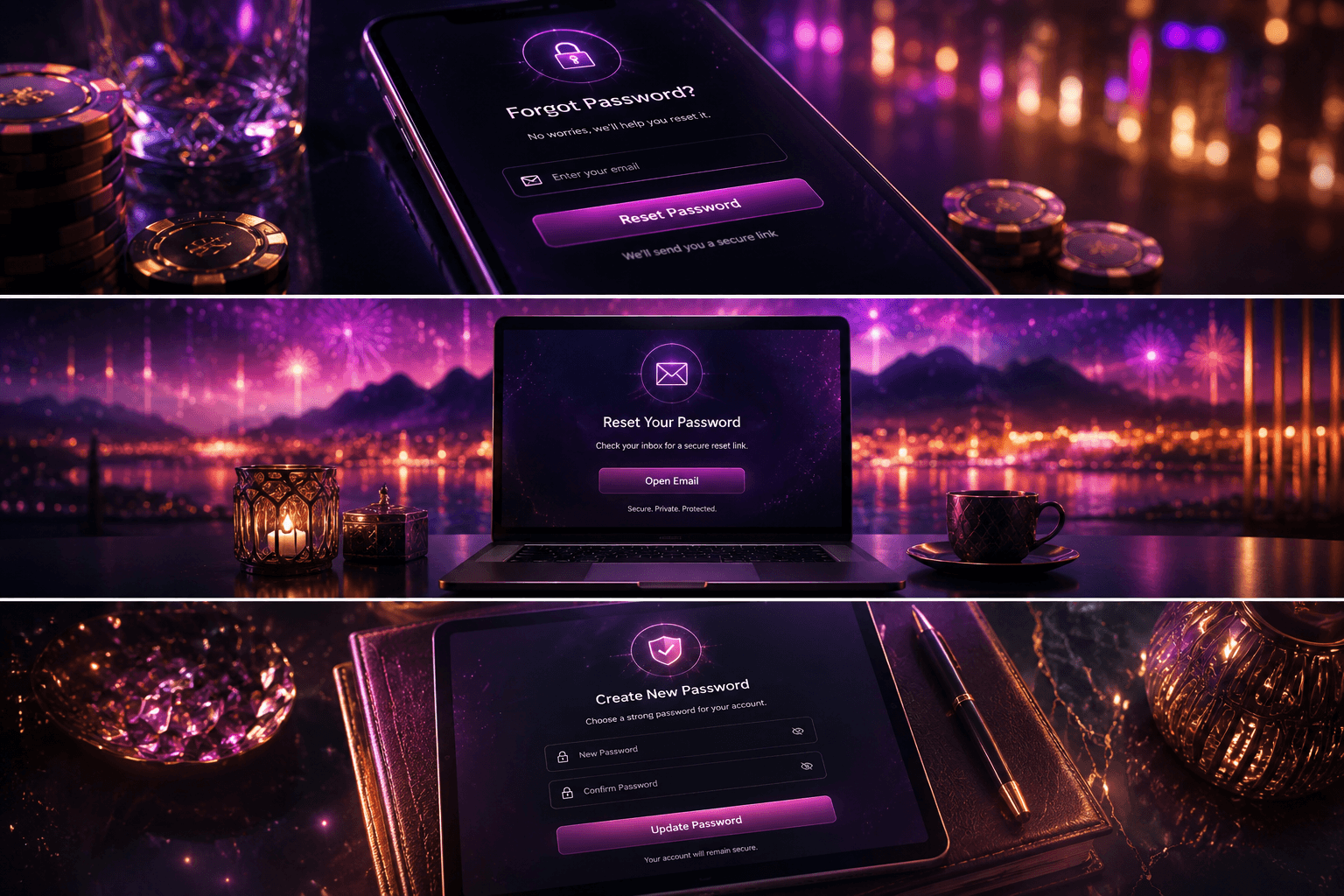
If you forget your PlayLive password, use the password recovery option on the login page. Enter the email linked to your account and submit the reset request. PlayLive sends the recovery instructions by email, so check all relevant folders. Follow the link and create a new password.
Do not open several recovery requests at the same time. It can make the process confusing, especially if older links expire. After access is restored, return to PlayLive and sign in with the updated details. Choose a password you can remember but other people cannot guess. Avoid reusing one from another important account.
How PlayLive support helps
PlayLive support is available through Live Chat and email. Live Chat is usually better when login needs quick attention. Email suits cases where you need to explain the problem in more detail or keep a written record.
| Support channel | Details |
|---|---|
| Live Chat | Available through the on-site Live Support widget daily from 09:00 to 22:00 |
| support@playlive.co.za | |
| Support language | English only |
PlayLive support handles several account cases:
- Urgent login issues
- Device already used warnings
- Suspended access
- Account reopening requests
If you want to reopen an account, contact Live Support directly. The support team submits a reopening request for review. Do not open a new account while waiting. PlayLive treats duplicate profiles seriously, so staying with the original account is safer.
FAQ
Should I reset my password or contact PlayLive support first?
Use password recovery only when the password is the problem. If PlayLive shows a device warning, suspension, or account restriction, contact Live Support instead. A password reset will not remove an account review.
What if my reset email does not help?
Check that you used the email linked to your PlayLive account. Also check all relevant folders before sending another request. If the login still fails after the reset, the issue may be connected to account checks rather than the password.
Can I open another PlayLive account while support reviews mine?
No. Opening another profile can create a multi-accounting problem. Wait for PlayLive support to review the original account instead of creating a new one.
Why can changing devices affect my PlayLive login?
PlayLive records device type, IP address, browser data, and login attempts. A sudden change in these details can make the account activity look unusual. If access is limited, Live Support can review the case.